Le migliori app Android da provare subito

Vi siete mai ritrovati a navigare sul Play Store durante i tempi morti delle vostre giornate alla ricerca di nuove app da scaricare? Lo scopo finale è sempre lo stesso: trovare le migliori app, interessanti, utili e che non occupino spazio invano sulla memoria del vostro dispositivo. Siamo andati in avanscoperta per presentarvi solo le migliori app Android, divise per categoria, per facilitarvi la vita.
Scorciatoie
- Messaggi
- Incontri
- Meteo
- Fitness
- TV e serie
- Foto
- Musica
- Video
- Antivirus
- Browser
- Launcher
- Icon pack
- Tastiere
- GPS e mappe
- App per il root
Restare in contatto non è mai stato così semplice
Messaggi e social
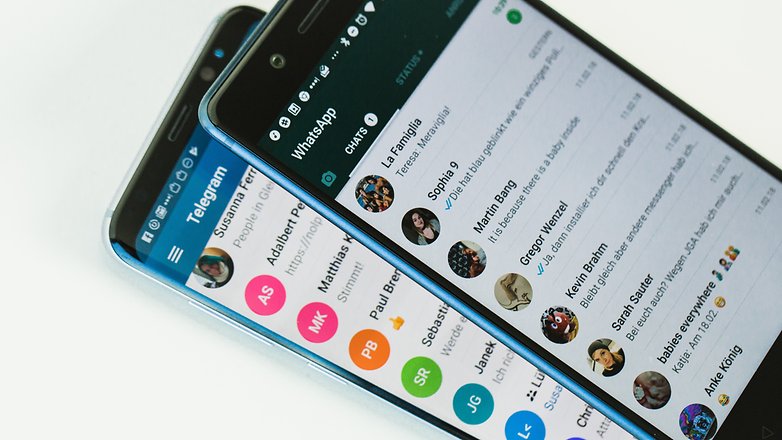
È ormai un dato di fatto: gli utenti preferiscono affidarsi alle app di messaggistica istantanea piuttosto che chiamare i propri contatti. Ma quali sono le migliori piattaforme per questo tipo di servizio?
Per tenere sotto controllo la valanga di contatti che tutti voi avete sullo smartphone ci vuole ordine e pazienza oltre che l'applicazione giusta:
La nostra scelta: Telegram X${app-org.thunderdog.challegram}
E le email? Certo, anche in quel caso ci vuole l'app giusta. Nel caso utilizziate Gmail abbiamo una serie di trucchi per voi ma nel caso voleste cambiare, esistono alcune valide alternative da considerare:
La nostra scelta: Spike${app-com.pingapp.app}
Incontri
Lo smartphone può aiutarvi anche a conoscere nuove persone e, perché no, a trovare l'amore. Nella giungla di applicazioni di incontri queste sono quelle che reputiamo migliori:
La nostra scelta: Tinder${app-com.tinder}
Mai più giornate rovinate da imprevisti meteo
Di applicazioni meteo nel Play Store ne esistono a valanghe, basta digitare meteo, previsioni, clima o tempo per visualizzare una lunga lista di servizi interessanti, spesso scaricatissimi e recensiti dagli utenti. Quale scegliere a parità di stelle e di funzionalità?
La nostra scelta: ilMeteo${app-com.ilmeteo.android.ilmeteo}
Tornare in forma è semplice affidandosi a queste app per il fitness
Troppo pigri per andare in palestra? Sfruttate una delle migliori app Android dedicate al fitness ed alla salute fisica, troverete tantissimi personal trainer virtuali pronti a motivarvi, programmare i vostri allenamenti e mostrarvi i risultati raggiunti. Più facile ed economico di così?
- Le migliori app dedicate al fitness per rimanere in forma
- I migliori smartband e fitness tracker resistenti all'acqua
La nostra scelta: 7 Min Workout${app-com.popularapp.sevenmins}

Tenete traccia e guardate le vostre serie TV preferite
Con queste app potrete stare certi di non perdervi nessun nuovo episodio o stagione delle vostre serie TV preferite. Gratuite e facili da utilizzare, offrono inoltre interessanti informazioni su attori, stagioni future e recensioni degli utenti.
- Le app per rimanere aggiornati sulle serie TV preferite
- Lo streaming su Android non è un problema con queste app
La nostra scelta: Serie TV${app-fema.serietv2}
Pronti? 3, 2, 1... cheese!
Usate il vostro smartphone per immortalare i momenti più speciali delle vostre giornate? Ecco allora alcune applicazioni dedicate alle foto che vi potrebbero tornare utili in diverse occasioni:
- Per scattare e modificare le vostre foto ecco le app giuste
- Gli smartphone Android per non rinunciare ad una fotocamera con i fiocchi
- Amanti dei selfie? Non perdetevi queste app
La nostra scelta: PicsArt Photo Studio${app-com.picsart.studio}
Il giusto player per musica e video
Musica
Sono tante e diverse le app dedicate alla musica presenti sul Play Store. Alcune di queste vi permetteranno di scaricare musica gratis sul vostro Android, altre di ascoltarla in streaming, ma tutte vi faranno sognare (e ballare) con le vostre canzoni preferite:
È anche possibile utilizzare iTunes per sincronizzare la vostra musica su Android, sia in maniera wireless che con cavo:
La nostra scelta: Pi Lettore Musicale${app-com.Project100Pi.themusicplayer}
Video
Di player video ne esistono un'infinità e, a volte, trovare quello più adatto ed in grado di riprodurre tutti i formati video (.mkv, .avi o altri) è un'impresa. Ecco perché abbiamo raccolto in una lista quelli più utilizzati ed i più compatibili con ogni formato possibile immaginabile:
La nostra scelta: VLC${app-org.videolan.vlc}
Dormite sonni tranquilli, siete al sicuro dai virus
Android è un sistema operativo di norma sicuro ed affidabile, sempre aggiornato da Google e dai vari brand per garantire la massima privacy e protezione, ma se siete soliti installare apk esterni al Play Store o seguire procedure complicate che prevedono il download di file particolari, potreste incappare in malware o essere vittima di hackeraggi.
La nostra scelta: Kaspersky Mobile Antivirus${app-com.kms.free}
Spiegate le vele, è tempo di navigare nel vasto mare del web
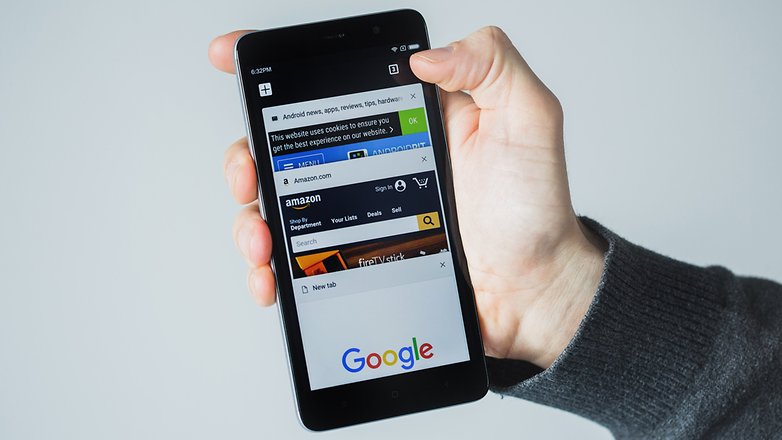
Google Chrome o il browser default offerto dal vostro brand di fiducia non offrono tutte le funzioni di cui avete bisogno? Siete alla ricerca di un browser più sicuro, veloce e che lasci spazio ad un minimo di personalizzazione? Le opzioni disponibili nel Play Store sono svariate e a seconda dello smartphone che avete tra le mani alcuni servizi potrebbero rivelarsi più performanti di altri:
La nostra scelta: Firefox${app-org.mozilla.firefox}
Stufi della solita home? Provate un launcher alternativo
I launcher Android permettono di personalizzare da cima a fondo l'interfaccia dello smartphone, senza passare per macchinose procedure di root. Dalla homepage alle icone delle applicazioni, passando per i comandi touch, con un laucher la vostra esperienza utente può migliorare radicalmente, dovrete però fare attenzione ad evitare app piene di pubblicità o che richiedono l'installazione di pacchetti aggiuntivi.
La nostra scelta: POCO Launcher 2.0
- Scaricate POCO Launcher dal Play Store a questo link.
Le icone delle vostre app meritano un restyling
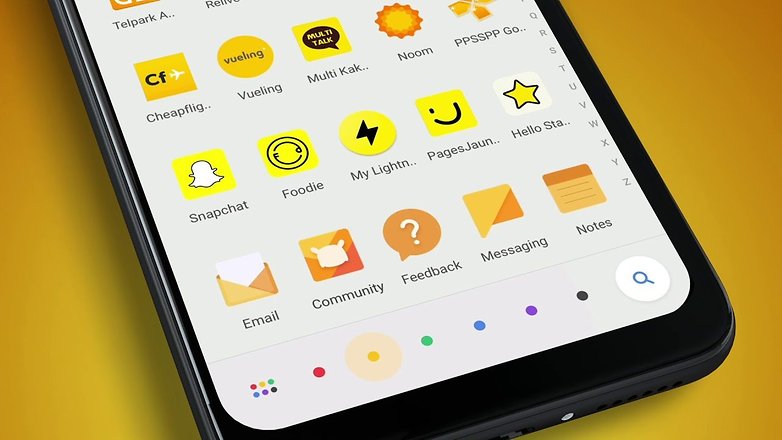
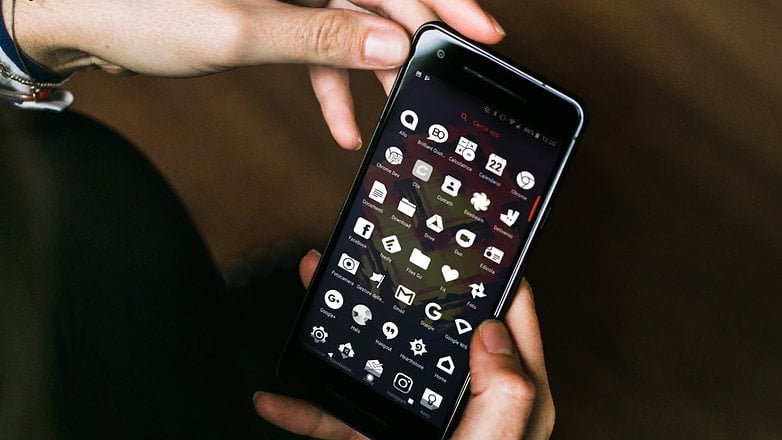
Per completare un launcher e personalizzare ulteriormente l'interfaccia del vostro Android, non potrete fare a meno di un icon pack, ovvero un pacchetto di attraenti icone che andranno a sostituire quelle impostate di default dal brand del vostro dispositivo.
La nostra scelta: Oxygen Icon Pack
- Scaricate Oxygen Icon Pack dal Play Store a questo link.
Mai più errori di battitura con le migliori tastiere
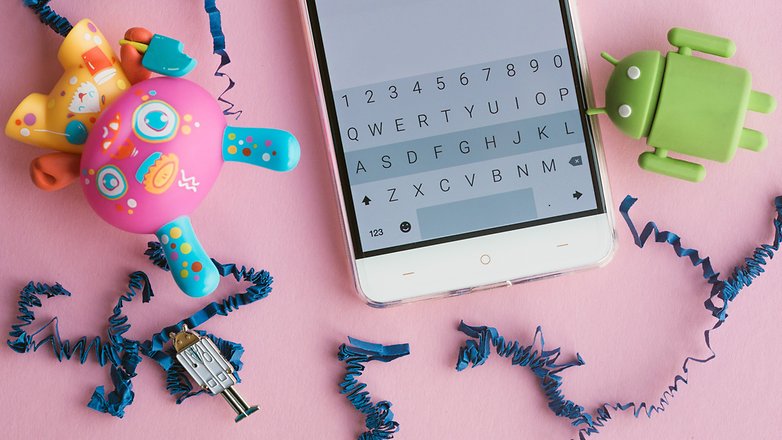
Potreste avere tra le mani una tastiera particolarmente poco reattiva, poco funzionale o non abbastanza intelligente da leggervi nel pensiero e concludere ogni frase da voi digitata, qualsiasi sia il problema, una nuova tastiera Android potrebbe essere la soluzione.
La nostra scelta: Gboard${app-com.google.android.inputmethod.latin}
Impossibile perdersi con queste mappe
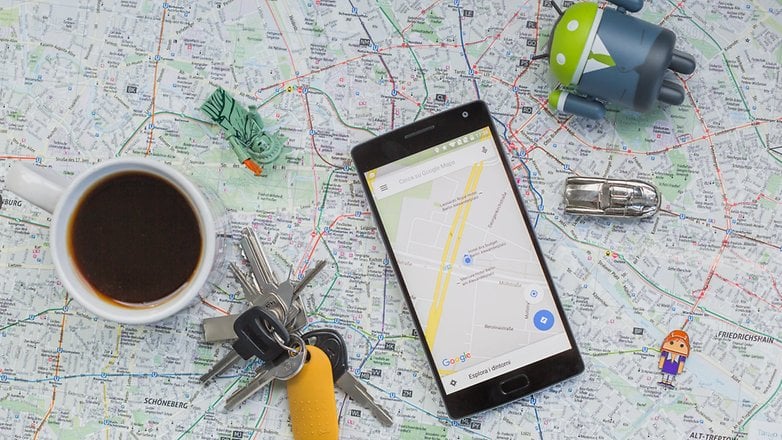
Per orientarvi al meglio durante le vostre vacanze o gite fuori porta perché non sfruttare uno dei migliori GPS disponibili sul Play Store? Non preoccupatevi, potrete usufruirne anche in assenza di rete:
- Migliorate il segnale GPS del vostro Android
- I GPS Android da utilizzare offline, anche nel mezzo della jungla
La nostra scelta: Google Maps
I permessi di root aprono le porte ad un mondo di possibilità
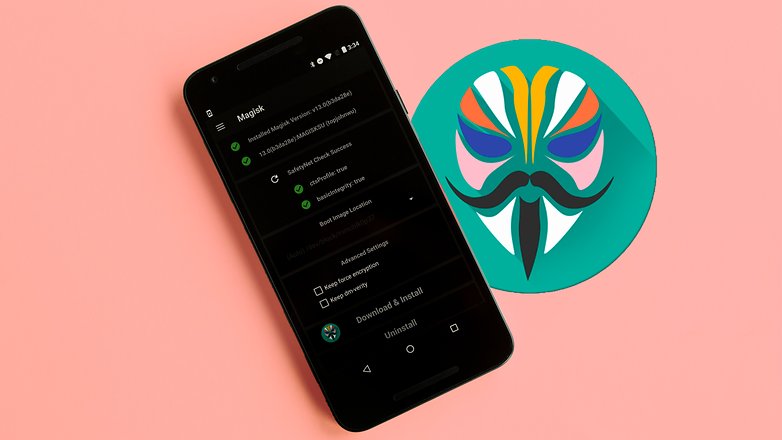
Se siete finiti su questa lista perché avete da poco ottenuto i permessi da SuperUser, allora siete arrivati alla sezione che fa per voi. Diventare amministratori del dispositivo grazie al root apre la porta a tantissime nuove opzioni di personalizzazione, molte di queste possibili grazie a delle applicazioni avanzate:
La nostra scelta: Root Essentials
Rimanete sintonizzati perché aggiorneremo questa lista regolarmente, aggiungendo sezioni ed applicazioni sempre nuove. Nel frattempo lasciateci un commento rivelandoci quali sono le vostre app preferite (e perché)!


Sto usando una nuova app android ... iCarLike - dove si trovano tutte le offerte per tagliando auto ect direttamente dalle officine e si scaricano gratis ottimo
Un app che merita di essere provata, per ascoltare ma anche, rispondere ai messaggi ricevuti (whatsapp, telegram,mail,sms,e altri)
Anche tramite impanto auto o auricolari bluetooth. Ottima alla guida ma non solo
http s://play.google.com/store/apps/details?id=com.lettura.vocale.messaggi2018
Jessica precisa e chiara come sempre...una garanzia! Devo dire che prediligo le app di Google. Tra quelle citate nell'articolo, concordo pienamente con la scelta del player musicale Poweramp di cui ho acquistato la versione Pro. Complimenti!!!
Ciao Jessica.
Ritengo questo articolo estremamente utile soprattutto per i meno esperti che, se fossero alla ricerca di un'applicazione nelle aree prese in considerazione, troverebbero il vostro suggerimento. Personalmente uso Gboard e Mymail che, dopo vari esperimenti, ritengo, evidentemente, le migliori
E queste sarebbero le migliori app. !
A parte 2 il resto non so che farmene ; )
Commento inutile. Sarebbe stato più utile dire perché non condividi le altre app e cosa usi al loro posto. Altrimenti la risposta di chi legge il tuo commento attuale non potrebbe essere altro che "Ecchissene..."
Ottimo articolo.
Con l'ultimo aggiornamento di sistema fatto dal mio Samsung s8+ mi è sparita una utilissima applicazione in italiano di cui non ricordo il nome che mi permetteva di ascoltare musica da YouTube facendo altro, utilizzando cioè altre applicazioni, come si fa col pc.
Pare sia un problema di google che non gradirebbe simili applicazioni.
C'è una soluzione alternativa? Mi dicono di aprire You tube non dall'applicazione ma dal browser.
Domani provo e vi aggiorno.
Saluti
il miglior launcher è Total Launcher, senza alcun dubbio!
Peccato che su Action Launcher 3 bisogni pagare per praticamente tutto!!!
Se siete lavoratori flessibili o cercate sale riunioni da affittare a tempo, vi consiglio Deskbookers.
La versione per Android dovrebbe arrivare a breve!
Riguardo avast! Consiglio di usare al suo posto Eset perché non solo è migliore in più adesso avast! comincia a sembrare più a CM Security che non ti rileva i virus e ti dice bugie e leggete l'articolo di Mattia a riguardo https://www.androidpit.it/clean-master-dannoso-inutile ma cmq pre fortuna non lo è ancora
Mi permetto di dissentire su Morecast che ho provato 2 volte a distanza di tempo ma sbagliava le previsioni in maniera clamorosa. ho anche scritto per dirgli che qui da me avevo 24 gradi e l'app ne segnava 11 con pioggia. per due volte gli errori erano simili e non li hanno corretti
Se non usi morecast io ti consiglio IlMeteo che è buona
Ha ha ha ha, ilMeteo.it sbaglia il 50% delle previsioni, inaffidabile
Resta la migliore invece... Non ne sbaglia una
Bello!! si trovano tante app interessanti, anche se per la classifica annuale forse è un po' presto!! Però mi sento di suggerire una app che mi è stata molto utile con la mia bambina, si chiama annie baby monitor (non è gratis ma costa davvero poco rispetto ai prezzi dei baby monitor nei negozi) e permette di utilizzare i propri dispositivi come baby monitor via wifi, quindi di poter vedere il proprio bimbo in qualsiasi posto ci si trovi!! Mi permetto di suggerire il sito a tutti i genitori in bolletta se volete dare una occhiata anniebabymonitor.com e a chi gestisce il sito se come me penserete che sia valida. Io intanto comincio a visionare tutte le app che avete consigliato :D
Secondo me anche Aviate Launcher, un ottimo launcher che tiene anche informato sulle ultime notizie
Un app interessante e anche molto utile non recentissima ma molto funzionale è SafeinCloud per le password da tenere sempre con se , si apre con una masterpsw e anche con l'impronta digitale e backuppa su qualsiasi cloud usate e crea una copia anche in mSd in caso di ripristino offline
Penso che sia presto per fare la classifica annuale anche se concordo sulle applicazioni fitness, c'è davvero bisogno
scaricatevi ZEDGE il miglior archivio per il vostro Android in cui ci sono migliaia di wallpapers, live wallpapers (wallpapers che si muovono), suonerie, allarmi, notifiche, giochi e icone.....il top!!!!! ogni tema diviso per categorie...un vero universo!!!!